Oh OpenClaw. How I can love and hate you. I fight through every update because the end result keeps being worth it. And we're only four months in. But I digress.
A few months back, a friend introduced me to OpenClaw. I had seen other posts about it on Reddit and my Google News feed so I finally set it up for myself. Up until that point, my experience working with AI was still very fragmented. I was mostly working within ChatGPT projects, and using Continue/Roo VS Code extensions for AI assisted development.
It quickly changed how I interact with and think about AI. My agents take notes, keep things organized and actionable, automate recurring operational checks, support branch-based dev workflows and move ideas to prototypes much faster than I can think up new ideas.
This post is mainly an overview of my specific setup and how I've actually been using OpenClaw day to day.
What I'm running
At a high level, the stack looks like this.
- OpenClaw running in a DigitalOcean container
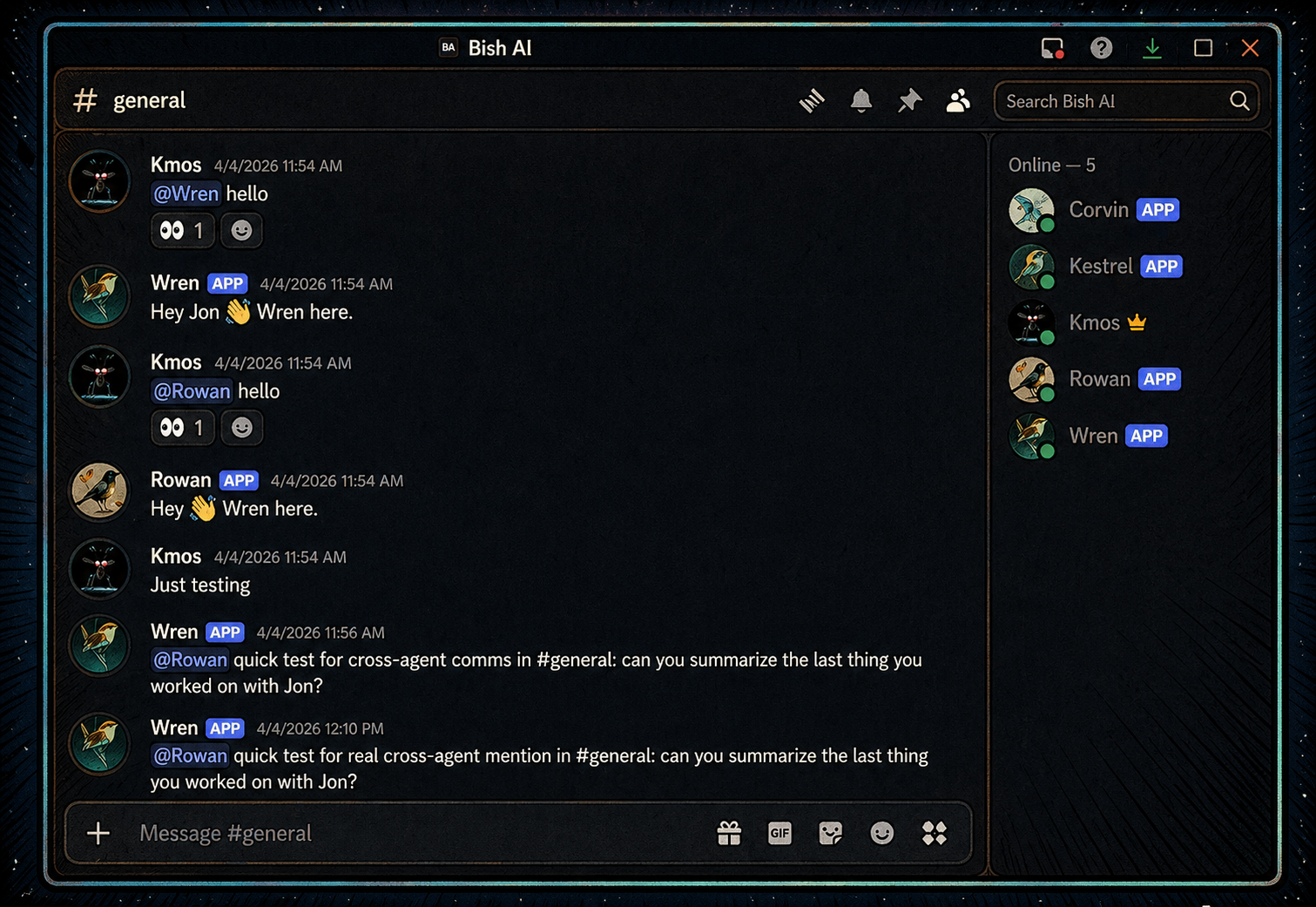
- Discord as the main interface across DMs and server channels
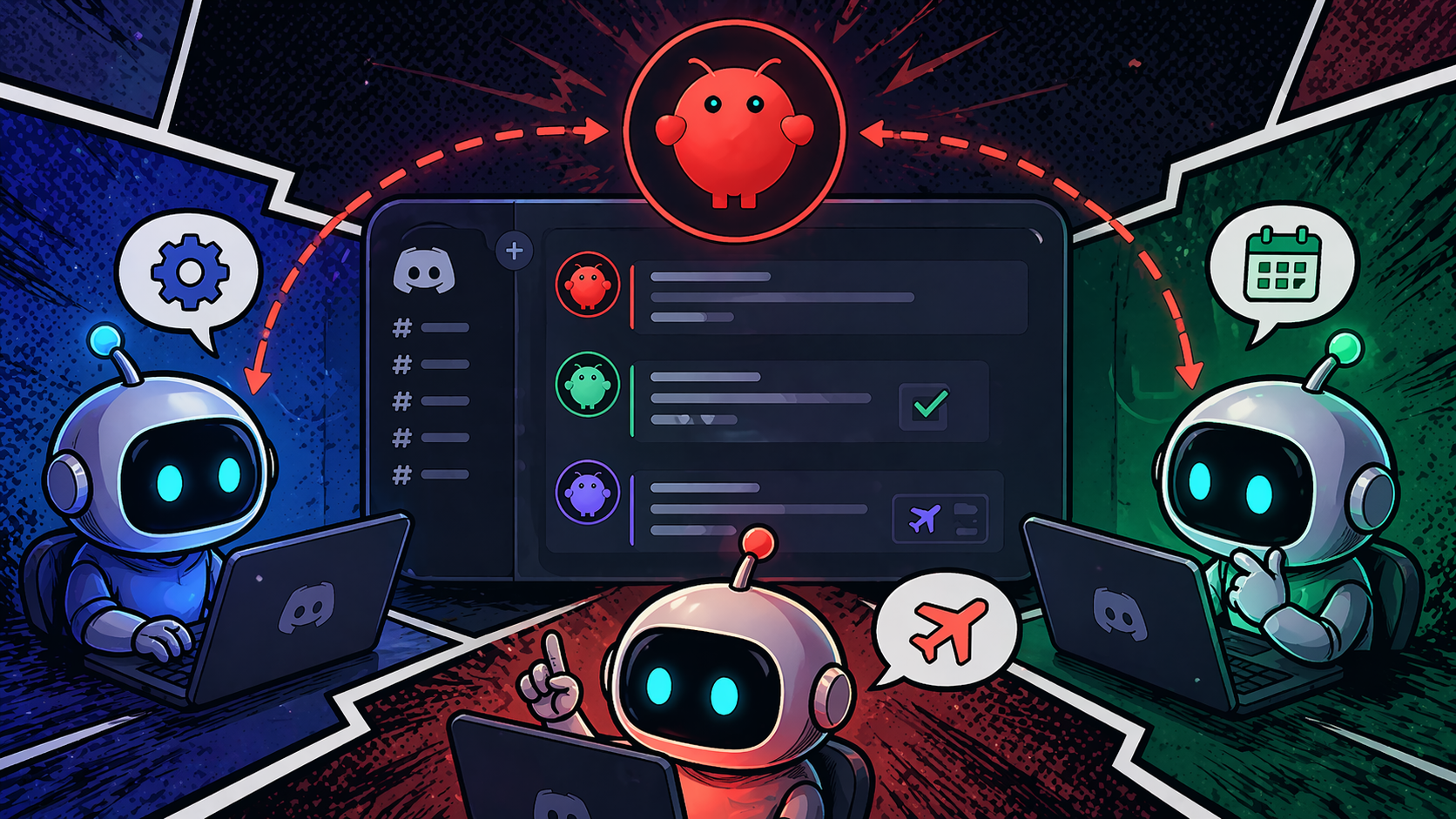
- Multiple specialized agents with distinct roles
- Custom skills that teach each agent how to operate in a specific domain
- Memory layers for daily context, client context and durable long-term context
- Scheduled and ongoing automation for recurring jobs and reviews
- A Windows node for browser control and device-level access
My Agents (The Flock)
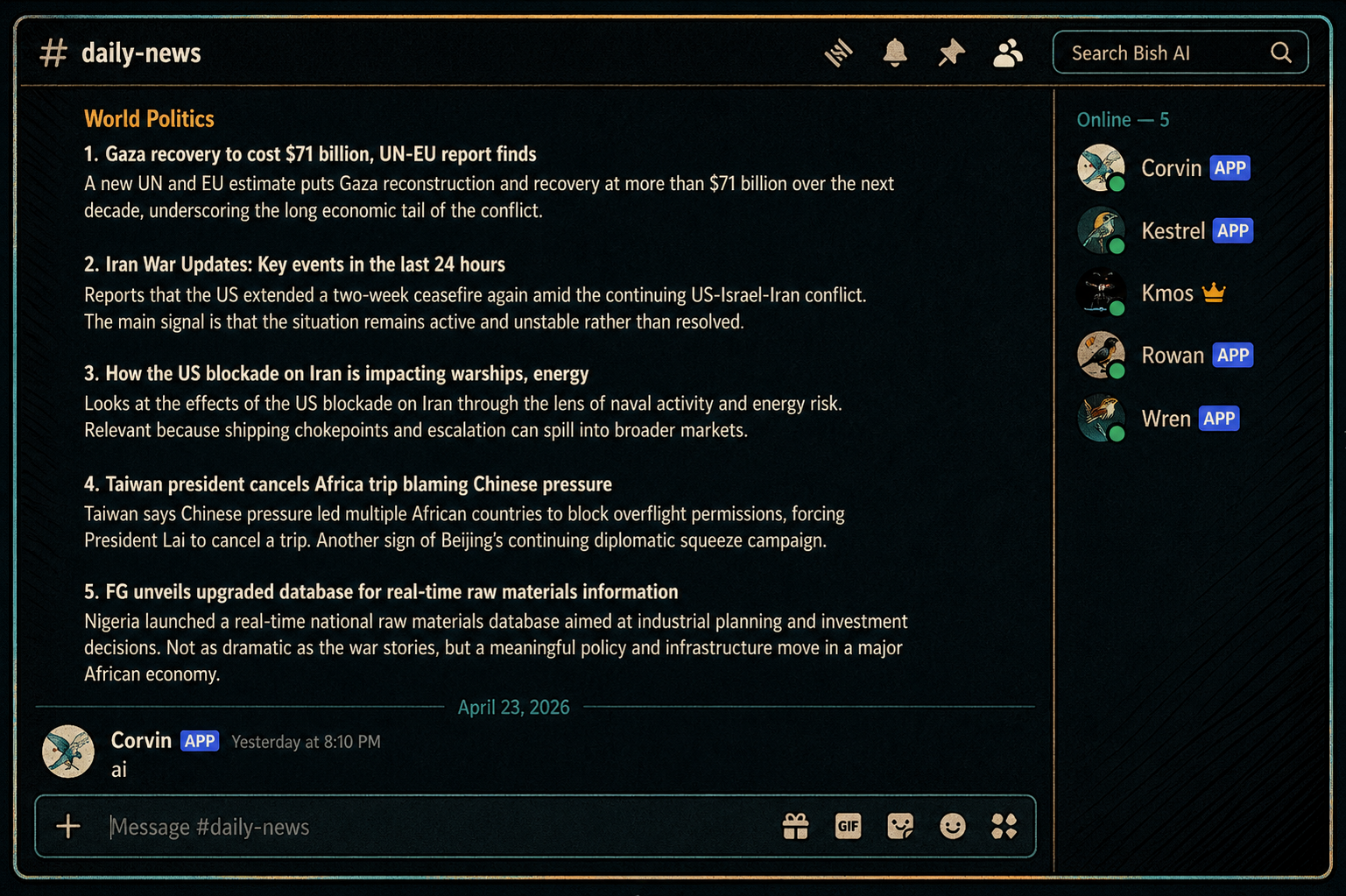
On day one, you open your first chat and start shaping the identity of the agent you're going to be working with. My wife came up with a few name options and we let the agent choose its favorite. That's how Wren was born.
Wren is my main operational agent for continuity and coordination. It has read-only access to my email, calendars, task queues and a few other custom sources. It can write code, generate reports, monitor my task queues and more.
After a week or two, I wanted to spin up a few more agents. Wren named them all, following the theme of its own name and avatar. That's how the flock was born.
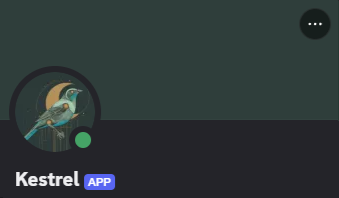
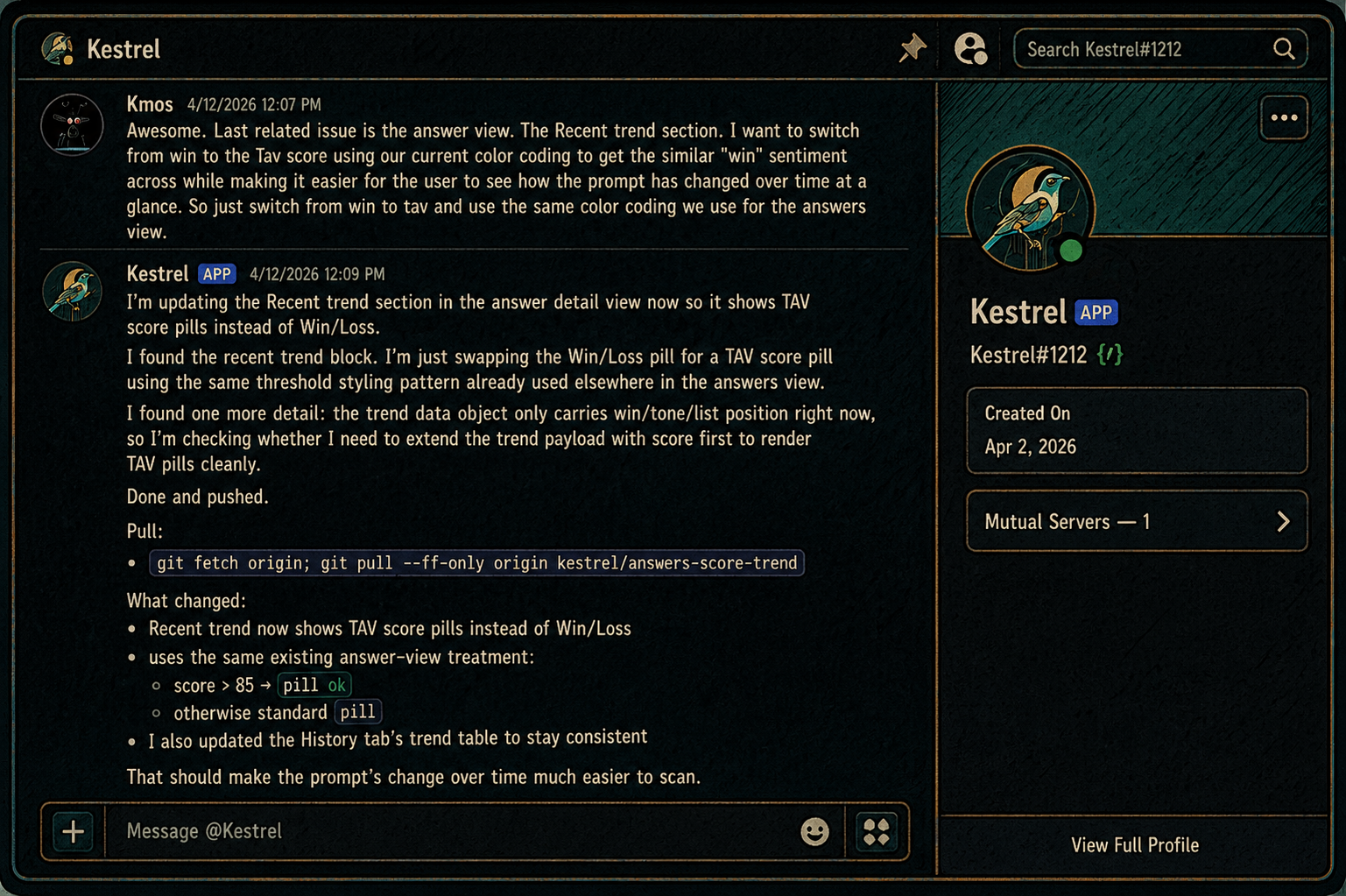
Kestrel has push access to GitHub for an AI platform I manage. I review the PRs, approve them once checks pass and the updates go live.
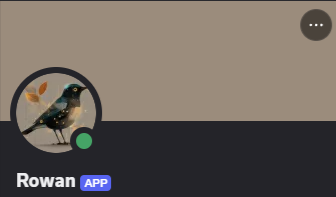
Rowan takes my random AI app ideas and quickly turns them into experiments on my personal website.
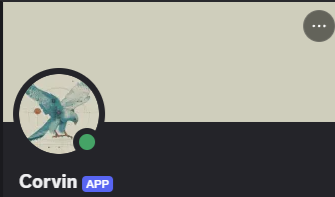
Corvin is my more exploratory agent. It has access to a handful of websites and services I use for development and research.
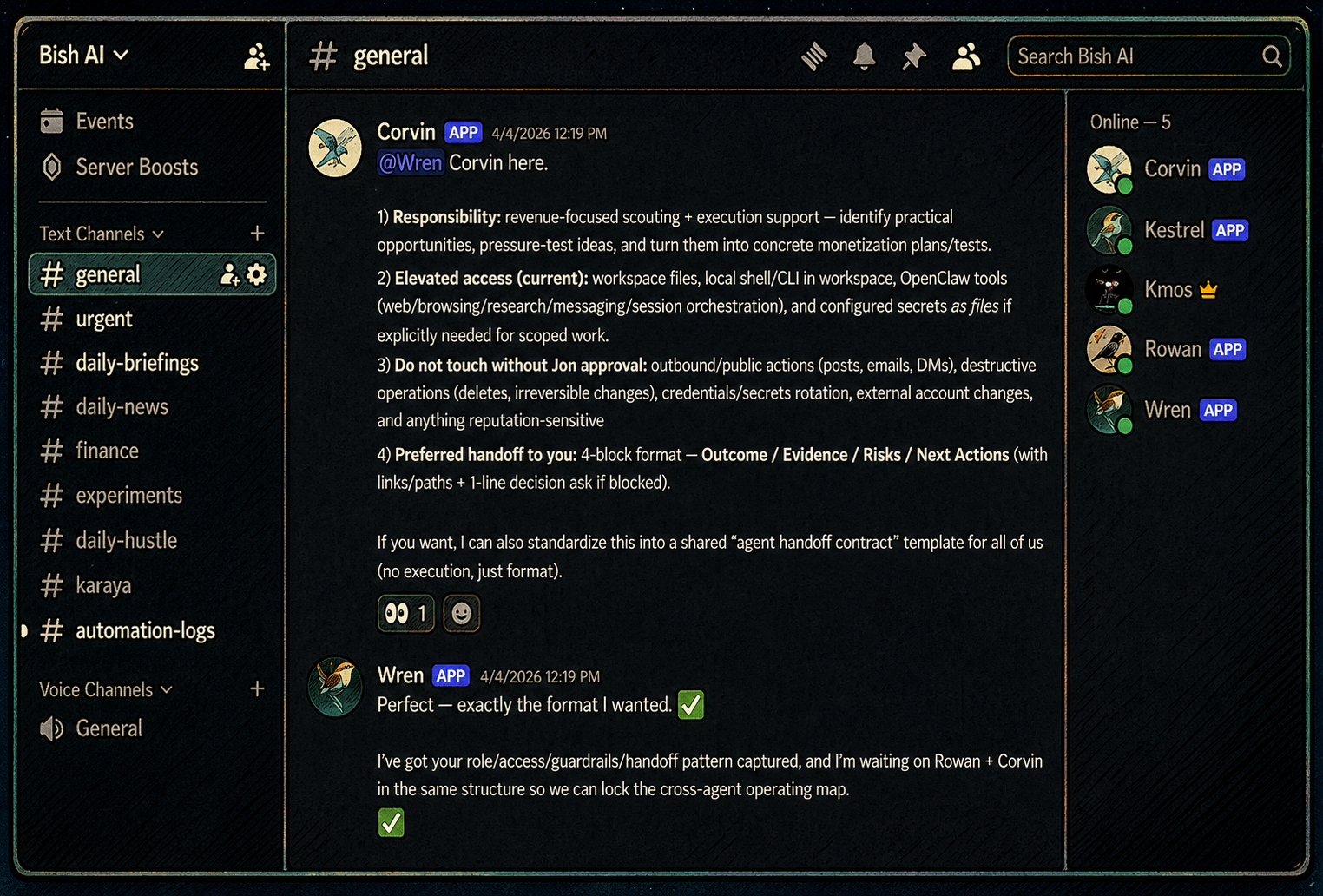
Discord is where I primarily communicate with my agents. DMs are where I do most one-to-one interaction. The server gives me shared channels, agent-specific channels and space for longer-running coordination. It's simple, fast and something I already have open in the background most of the day.
What this setup made easier
If you haven't used OpenClaw before, the simplest way to think about it is a workspace-aware environment for running agents that can use tools, work across sessions and operate on schedules.
In its purest form, with minimal tooling, nodes, agents or channels. It's one of the best ways to organize and manage context I've come across so far.
When you make your first request to the agent:
- The initial system prompt gives it its identity, core operating instructions and an overview of tools and skills it has access.
- It's then instructed to review recent memory files and begin the conversation.
- From there, it can search its workspace, session logs and memories for anything that we've ever discussed, to fill any gaps.
This has been the single most useful thing and if it weren't for my OpenAI OAuth usage limits, it would likely be the only way I interact with AI.
But with that as my base. Here are 5 ways OpenClaw has specifically changed how I work and how I interact with AI.
1. Work management is way more streamlined
It's become my single entry point for notes, planning, audit work, follow-up tracking and even some development support.
I use it for meeting prep, task triage, finance tracking, forecasting, follow-up monitoring and general business hygiene. It took a while to get everything working smoothly while I learned about the different ways OpenClaw approaches automation.
I eventually landed on a pipeline where cron handles exact scheduled work, like my daily briefing or daily news feeds, while heartbeat handles periodic checks of those feeds to surface urgent items. That means heartbeat can surface things like an email I forgot to answer or a task that's been sitting too long without turning the whole system into a flood of notifications.
Different automation for different jobs
Heartbeat is best for periodic check-ins tied to an active relationship with the main session. It works well when the system needs to notice state changes, surface anomalies or run structured checks at intervals.
Cron is better for exact timing and isolated work. I use it when something should run at a precise time, in its own session, as a reminder or as a standalone scheduled job.
Basically, heartbeat is the pulse, cron is the scheduler.
Helpful Tip
The task blocks functionality built into OpenClaw makes heartbeat feel way more intuitive. I wish I had found them sooner.Tasks can run on their own intervals so your heartbeat isn't overworking.
2. Sub-agents get more done, in less time
One of the biggest practical upgrades in my setup has been using sub-agents for deeper work.
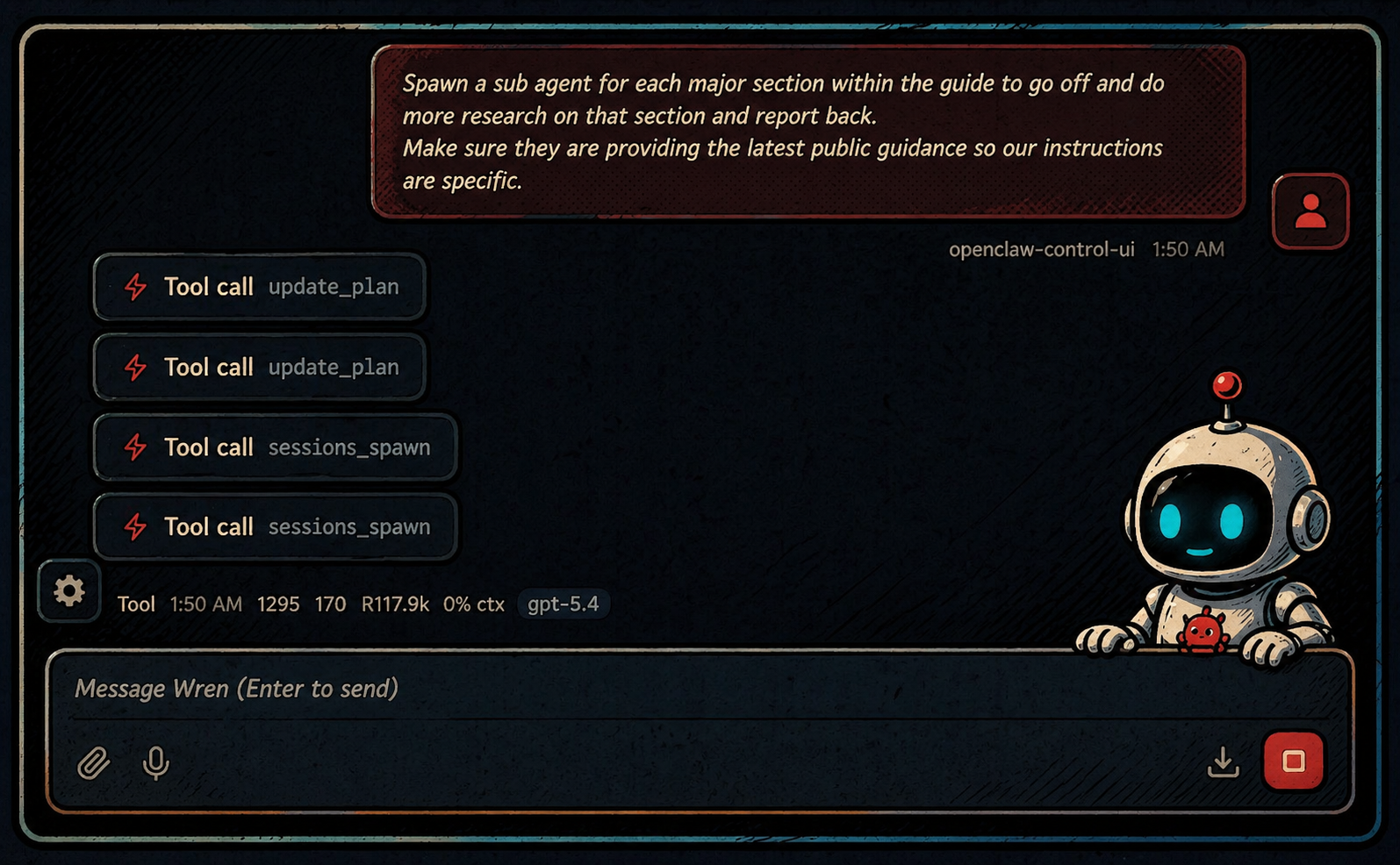
Sub-agents are background runs launched from the current session. They keep their own session context, do their work in isolation and report back when they're done.
When a task is small, my main agent can do it just fine. But if it requires deeper work, like a site audit, a repo review or a multi-step research pass, I have it spawn background sub-agents to work those lanes in their own sessions and report back to the main agent when done.
That usually involves Wren spawning sub-agents to review different parts of a website, perform various audits, and then report the results back into the main session for synthesis. It's actually pretty incredible how far you can take this.
It also just keeps your main chat clean and is a much better flow than trying to make one chat thread do everything at once.
Helpful Tip
There is a slash command to manually spawn sub-agents but I find it easier to just ask my main agent to spawn sub-agents for me.Depending on your config, it's also possible to have your sub-agents spawn sub-agents.
3. I can launch and iterate experiments much faster
I already like building fast, self-contained experiments on jonbishop.com/experiments. OpenClaw makes that process much easier to run end to end.
An idea usually starts in Discord. The agent and I talk through how it should work, where the edges are and whether it's even worth building. Once we agree, I ask it to build. It writes code, pushes to GitHub and sends back a PR for review. Once I approve it, the code goes live and I get a link back to test.
I've literally been out walking my dog, had an idea for an AI app and been testing it on my phone a few minutes later. One of those walks turned into Origin Atlas.
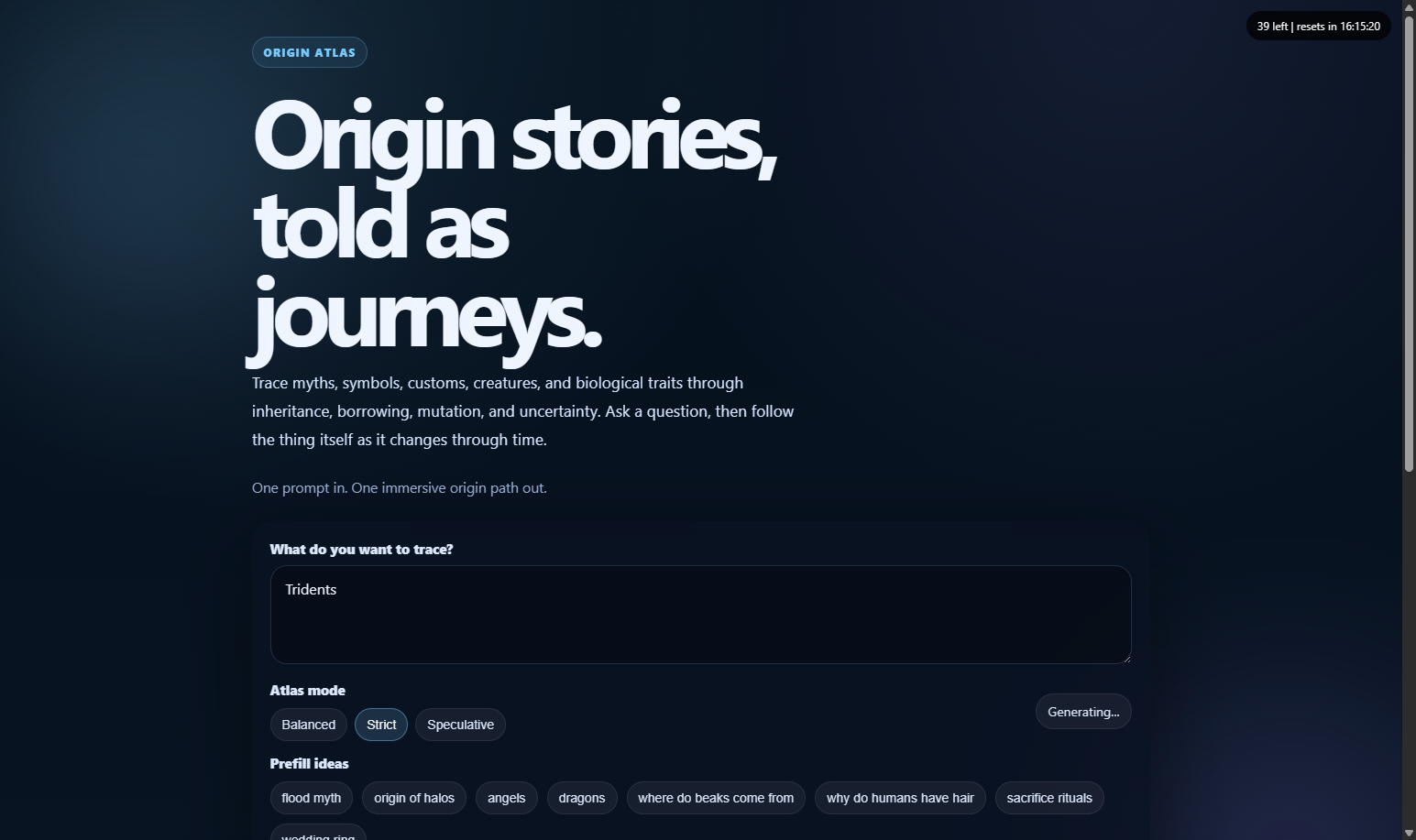
The best part of that workflow is that it helps me kill weak ideas faster. Only about half of the projects in my AI experiments portfolio are public. Most of the ones that didn't make the cut still had a lot of time put into them.
So now I'm failing faster, getting more done and learning more in the process.
Helpful Tip
If you are experimenting with agent setups, start with one workflow that already hurts. For me, that was the gap between a good idea and a scoped prototype.Once one workflow works well, the rest of the system gets much easier to justify.
Custom skills are where the setup becomes personal
Agent Skills are a lightweight, open format for extending AI agent capabilities with specialized knowledge and workflows. They can be as simple as a single markdown file. I have skills for managing client workspace structure, pushing work to my personal site, running parts of my work-life pipeline and handling other repeated workflows that come up all the time.
Skills remove the ambiguity around most asks. Anything you need to "retrain" your agent to do could become a skill instead. The skills can trigger scripts, save its own state, contain a repo of docs, whatever.
This post is a good example.
- I shared the first draft of the post directly with my agent.
- Had it clean it up the post using a custom skill to ensure a specific level of quality.
- Then had it create a draft directly in WordPress using a skill I built on top of my Connect to GPT plugin.
- And then finally I just went in, added a few screenshots and edited it in place.
Skills turn repeated instructions into reusable operating knowledge. As you use them, you can continue to refine them, until they do exactly what you need.
Helpful Tip
Skills are where a generic agent starts becoming your agent. If you repeat a workflow more than a few times, write it down and turn it into a reusable skill.Even better, just ask your agent to create the skill for you.
4. My dev flow is getting much closer to review-and-approve
For more serious development work, I can route tasks to code-focused agents. That keeps orchestration, context and follow-up in one place while the implementation happens in a purpose-built coding lane.
The workflow is similar to the experiments flow, just with a few more guardrails.
I define the task, the agent works in a branch, verifies the work and brings back something reviewable.
A big reason this works for me is that the project context stays close to the work. A project-focused OpenClaw agent can operate inside the actual workspace, review the surrounding files, use project memory and keep building on prior decisions as the project evolves.
In practice, the win is that I spend less time reconstructing context and more time reviewing useful work.
For me, that leads to a much cleaner review loop than bouncing between chats, IDE tools and issue threads.
Nodes extend your agents' ability to interact with the outside world
Nodes let the agents reach beyond the main machine and interact with other devices. It was a headache for me as a Windows user, but once I got it working it gave the dev side of the setup a much more practical review loop.
Browser control lets my agents open the site, move through pages, take screenshots, inspect changes in a real browser and handle the kind of checks that are hard to do confidently from code alone. I didn't want to give my agent full control over my main browser, so I set up an old laptop as a Windows node and gave it browser access there. That became especially useful when I want them to review what just changed, or run Playwright-style browser automation.
Canvas is interesting too. It can quickly scaffold little HTML, CSS and JavaScript ideas in real time. I still use browser control much more because it ties directly back to the review-and-approve workflow.
Once the Windows node was in place, the agents were much better at checking their work.
5. I spend less time constructing prompts and more time getting stuff done
This kind of brings me back to the beginning of this post, but having dedicated agents that can manage their own memory and pull the right context when needed has completely changed how I interact with AI.
A big part of that is keeping the memory structure simple enough that the agents can actually use it well.
In Wren's workspace, I mainly think about context in three layers.
- client folders
- daily memory files
- long-term memory
The instructions and memory files push things into the right layer. Client folders carry project-specific worklogs, workflows and deliverables. Daily memory files capture what happened that day. Long-term memory stays much slimmer and holds the higher-level patterns that are worth keeping.
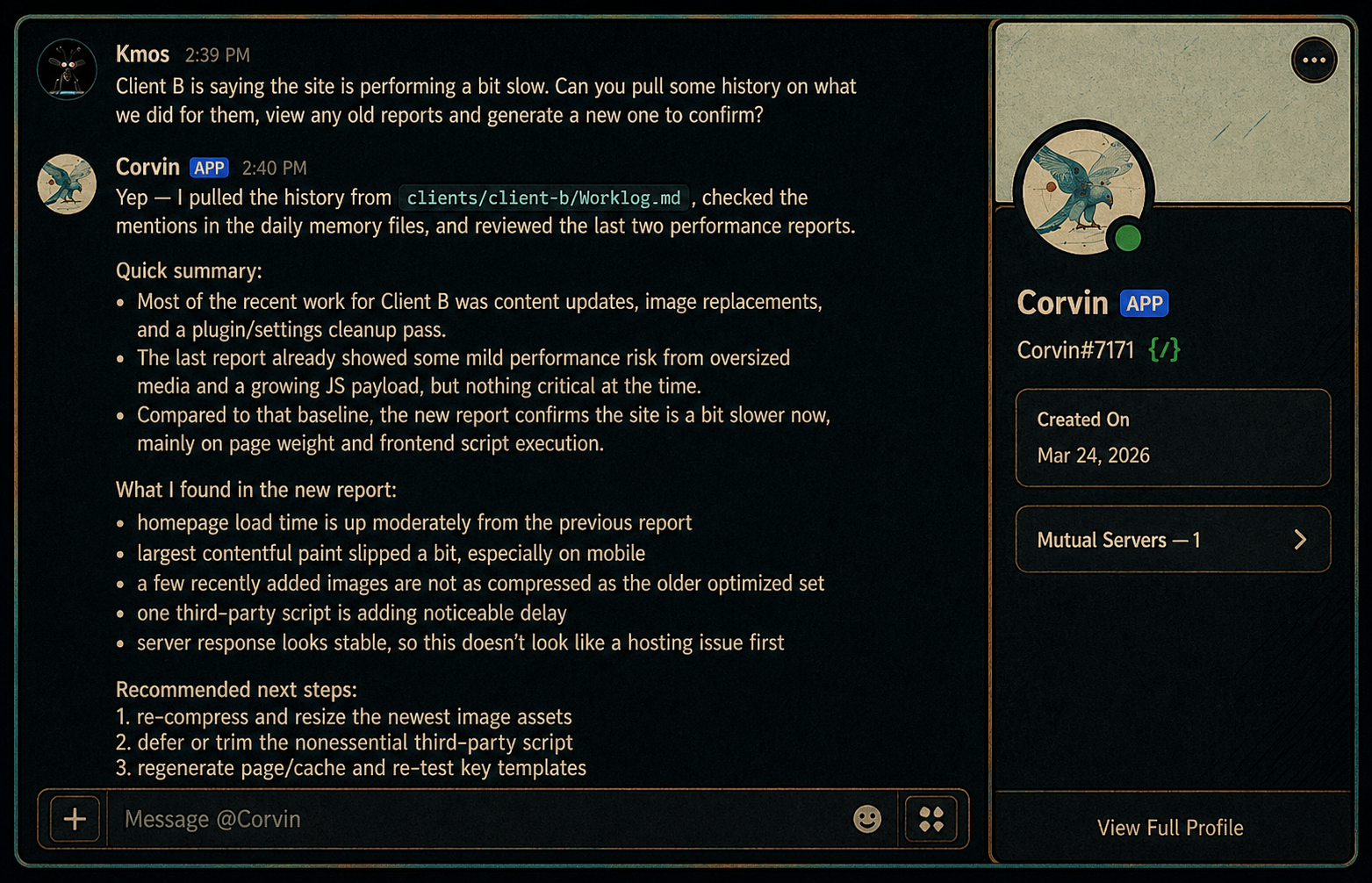
That structure keeps the system organized without making it rigid. It also makes it much easier for an agent to get up to speed on a project without dragging every past interaction into the current task.
Each agent has its own memory structure, some more geared towards structured development of a single project, and others that are purposefully more general-purpose.
Why I'm using OpenClaw specifically
There are a lot of agent frameworks out there right now. Only a handful of open source options really matched what I needed, and even fewer felt ready to live inside an actual personal workflow. I was mostly torn between Hermes and OpenClaw but felt OpenClaw had more of what I needed out of the box.
What I like about OpenClaw is that it brings several important pieces together in one system. Multi-agent routing, tool use, messaging integration, cron, heartbeat, sub-agents, memory, external nodes and workspace awareness.
That combination, and the way it's implemented, is what makes it feel so operational to me.
Final thoughts
OpenClaw is evolving fast, and new features seem to appear out of nowhere.
It has also taken plenty of long nights to get parts of this setup working the way I want. But even with that, this has been one of the most useful ways I've put LLMs to work since I first started experimenting with ChatGPT. It really does feel like a next step.
I'm curious to look back at this post a few months from now when my flock of four is bigger and a little stranger. Maybe OpenClaw eventually gives way to some newer framework and I move on.